https://www.dropbox.com/scl/fi/169qngxounyi85mh4p8tp/Vid-o-sans-titre-R-alis-e-avec-Clipchamp-42.mp4?rlkey=85e5dkkq226a2jc9ndjg13hzy&dl=0
Arcane: Battlefield 6 External – Cutting-Edge Aimbot, ESP & Elite Combat Tools
Arcane is an advanced external solution for Battlefield 6, crafted for competitive players who demand peak performance and tactical dominance. Designed to give you a decisive advantage, Arcane features highly accurate aimbot capabilities, fully customizable ESP visuals, and user-friendly configuration options that boost your gameplay right from the start.
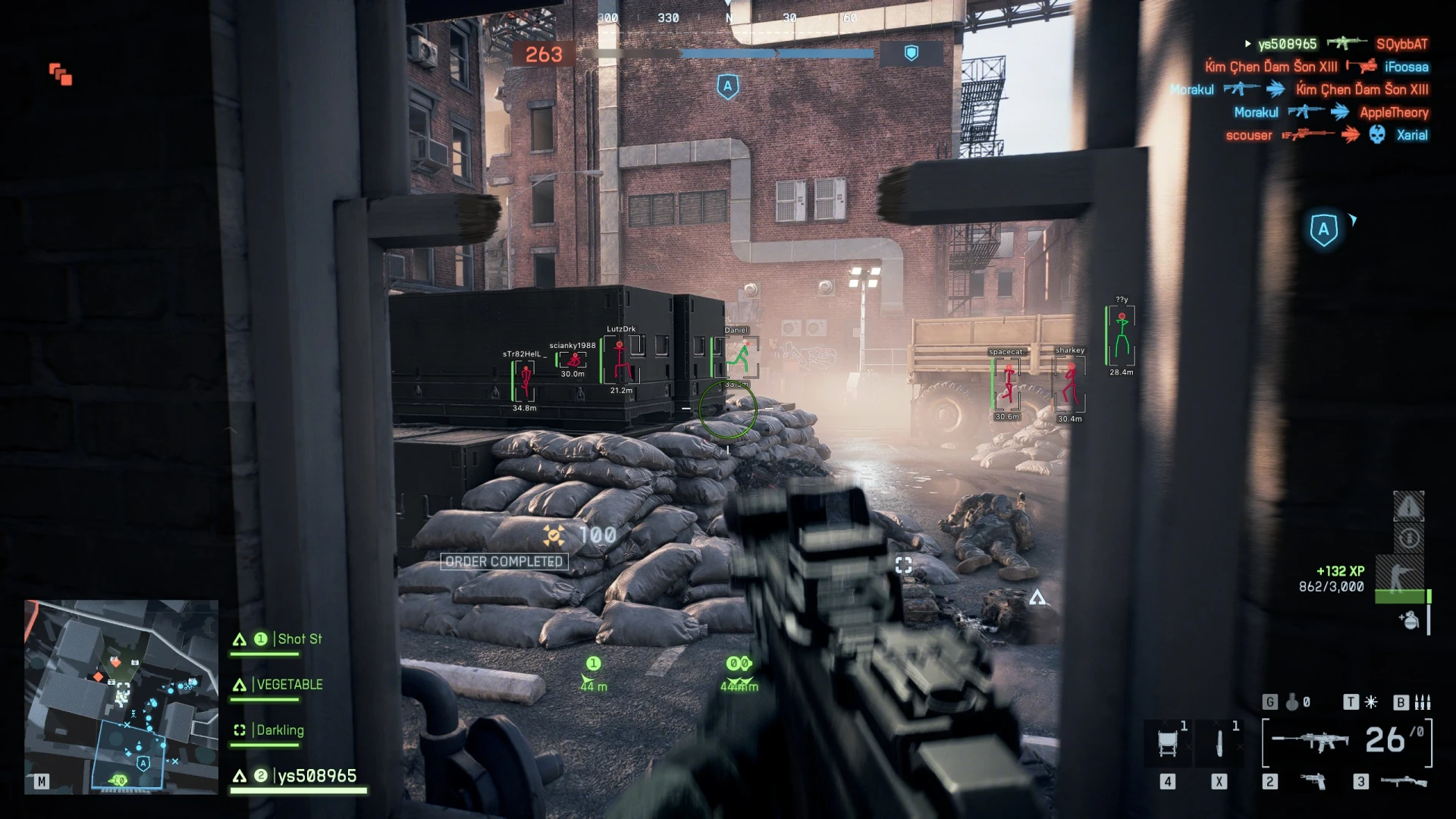
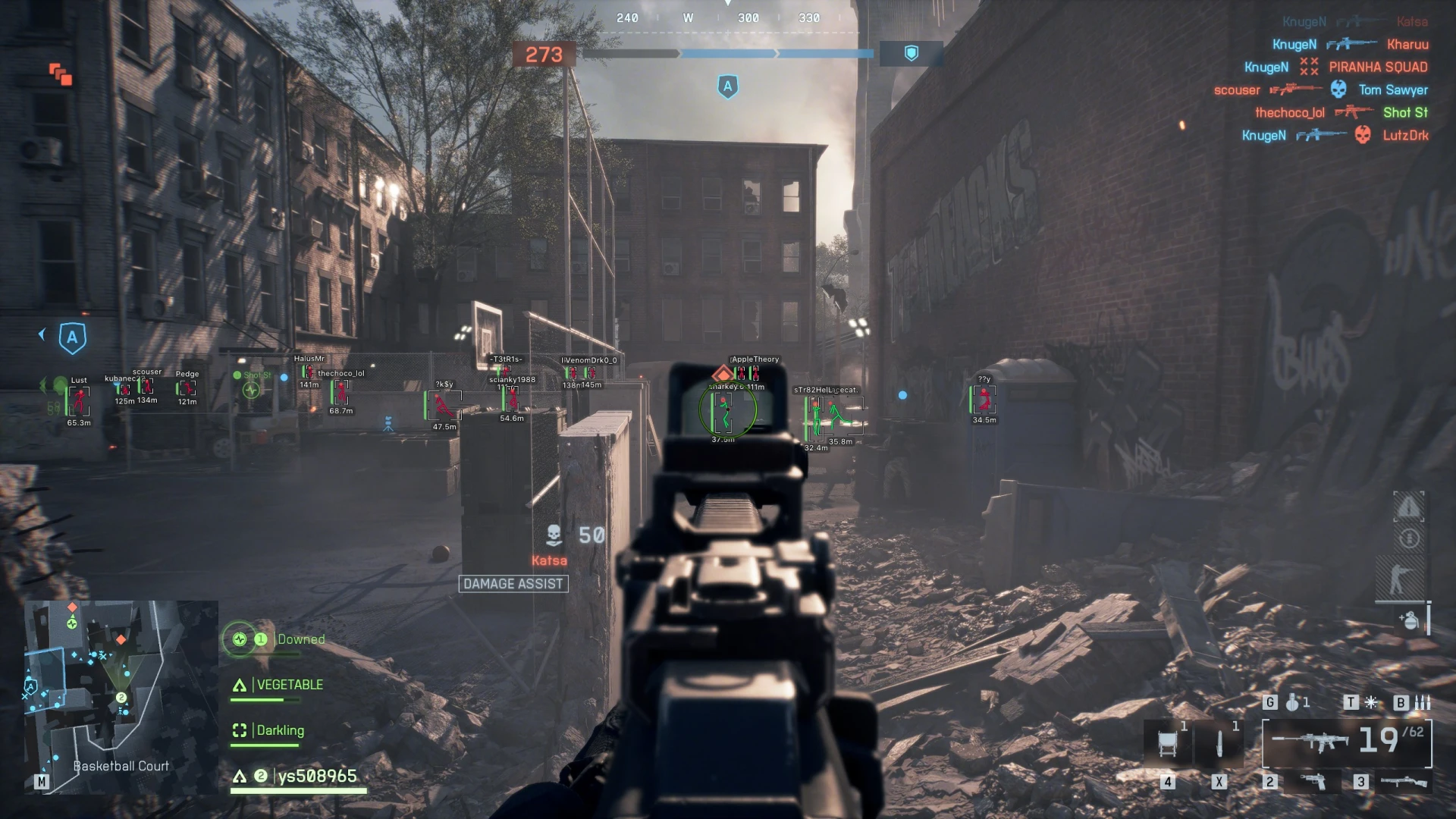
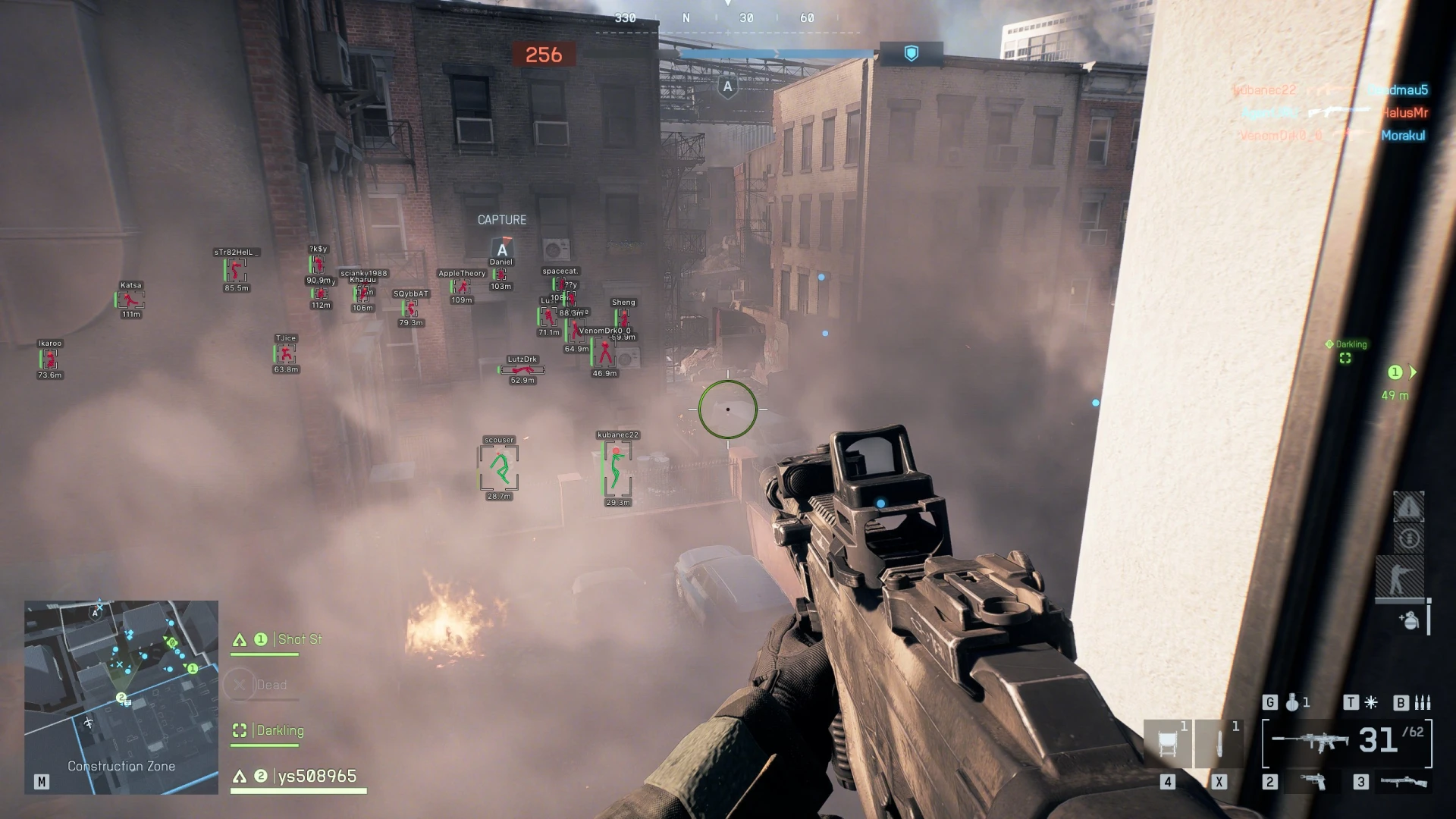
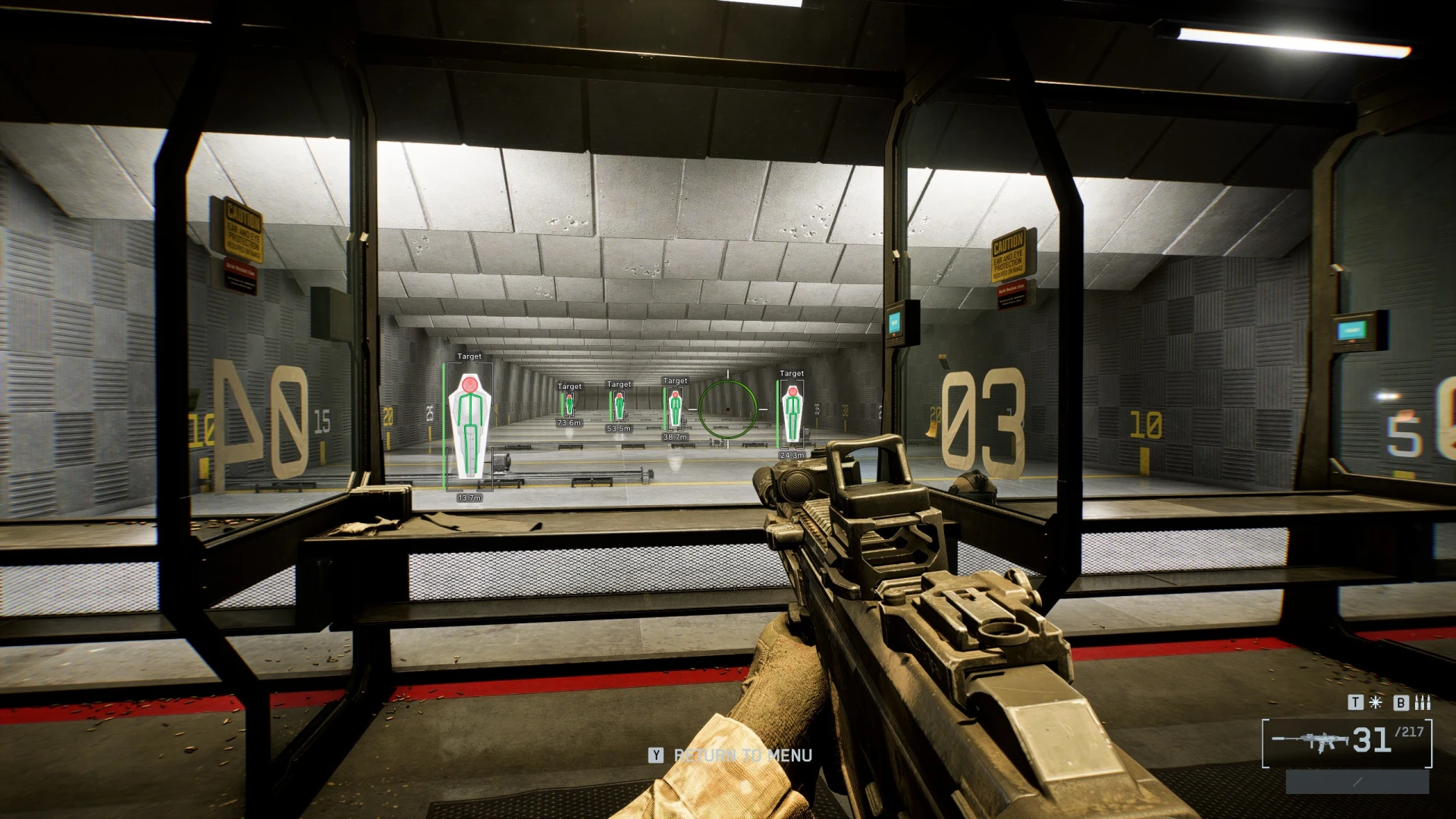
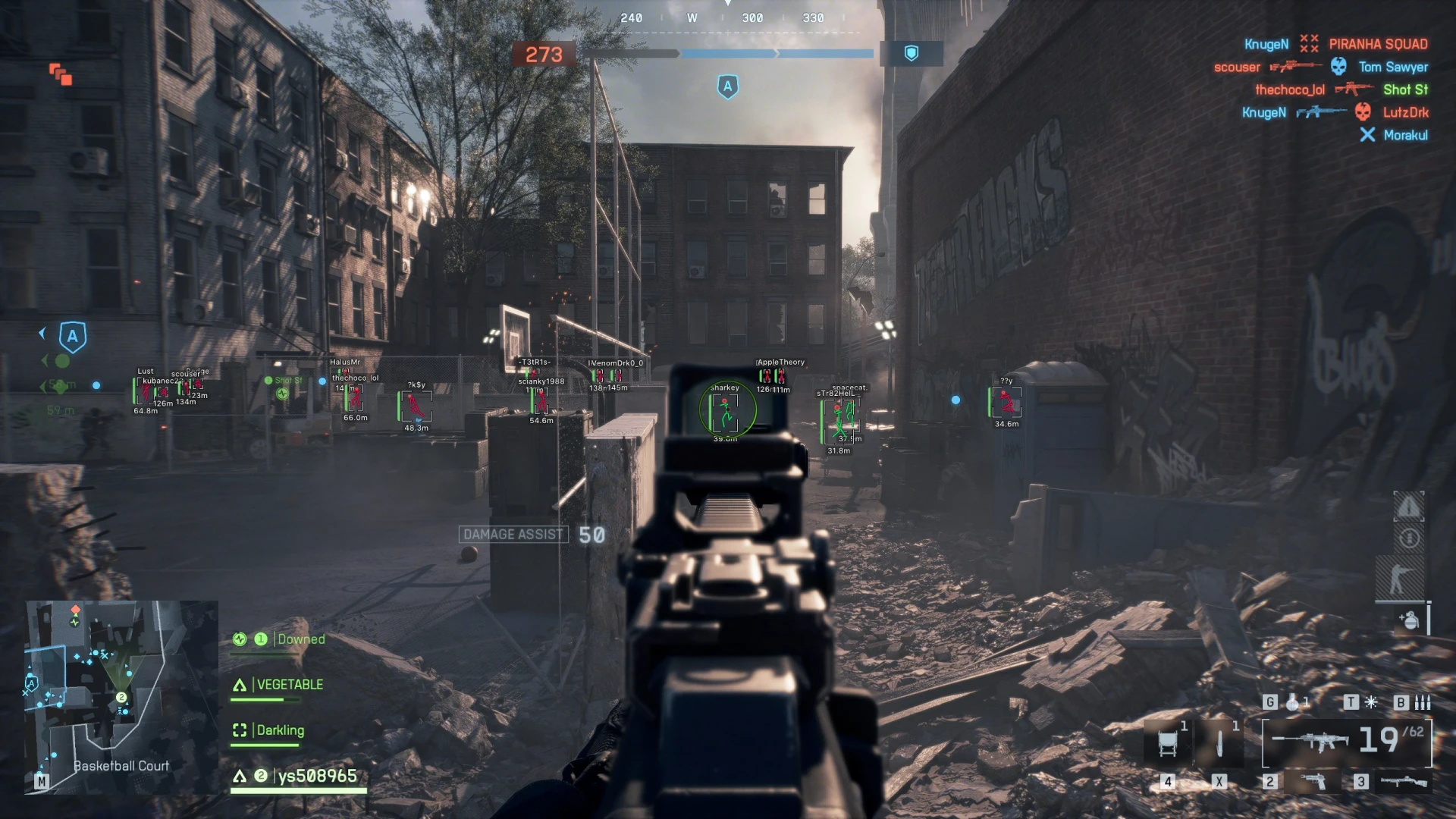
Equipped with bone-target prioritization, adjustable FOV settings, and predictive movement targeting technology, Arcane’s aimbot ensures exceptional precision in all combat situations. Its ESP overlay system offers detailed battlefield insights with markers for enemy locations, vehicle positions, health status, and distance metrics, providing complete situational awareness throughout the match.
Fully optimized for Windows 10 & 11 and compatible with both Intel and AMD hardware, Arcane delivers reliable, high-performance operation with minimal impact on system resources. Whether engaging in long-range sniping or close-quarters combat, Arcane supplies the targeting accuracy, processing speed, and tactical intelligence needed to outplay all rivals.
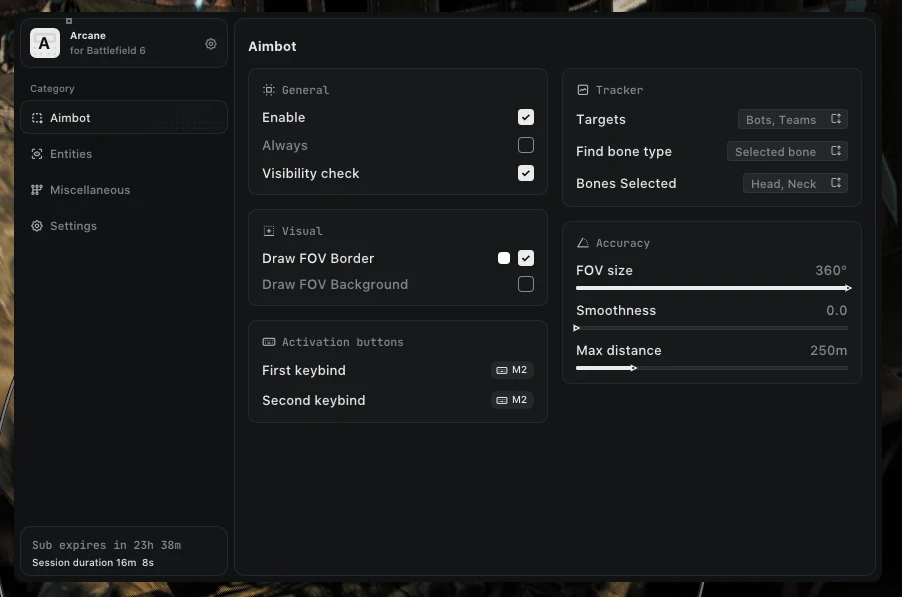
AIM – GENERAL
Comprehensive aiming tools for control and precision.
Type: (On hold, Always)
First keybind
Second keybind
Visibility check
Draw FOV border
Draw FOV background
FOV radius
Smoothness
Max distance
AIM – TARGET
Target selection options.
Targets: (Players, BOTs, Teammates)
Find bone type: (Selected bone, Closest bone, Random bone)
Bone: (Head, Neck, Body, Pelvis..)
AIM – CROSSHAIR
Crosshair options.
Crosshair
ESP – GENERAL
Visual highlights and info.
Bounding box: (Box, Corner)
Fill box: (Static, Gradient)
Health bar: (Static, Health based, Gradient)
Skeleton: (Thickness)
Name
Distance
Line to enemy
View line
Draw BOTs
Draw teammates
BOT transparency
Max distance
SETTINGS
Performance controls.
Show FPS Overlay – Monitor in-game performance
Set Overlay FPS – Adjust overlay frame rate
CONFIGS
Configuration management.
Add – Create new configurations
Load – Apply saved settings instantly
Share – Send your configs to others
Delete – Remove unwanted profiles